
 LookPlan
AI Hairstyle Simulator
Try hairstyles on your own photo — explore nine options or get a custom look with personalized advice.
Your photo
By continuing you agree to the Privacy Policy and confirm you are 18+.
Two ways to try hairstyles
You may already have haircut ideas saved, but still wonder how they would look on you. With this hairstyle simulator, you can compare different lengths, shapes and colors on your own photo, then bring a clearer idea of what you want to your hairstylist.
Choose Explore to try different hairstyles together, or Customize to develop one direction with a detailed report. Both start with your photo. The difference is whether you want a range of visual options or a closer assessment of one look and your preferences.
Explore 9 hairstyles
Not sure which hairstyle to choose? Compare nine looks on your own photo for 8 credits. Choose Subtle, Noticeable or Bold to guide how much change you want to explore. Open each look beside your original and download your favorites. You can add a detailed report for one selected look for 10 additional credits.
Customize my hairstyle
Have a direction in mind? Choose your preferred lengths, hair color, styling effort and occasions. For 10 credits, get one hairstyle preview with a personalized report, practical styling advice and notes to discuss with your hairstylist. You can also add a note about what you want to keep or change.
Make the look your own
Length
Choose Same, Short, Medium or Long to explore the lengths you’re considering. Keeping a similar length can help you focus on shape and styling; trying a different length lets you see how a bigger change might look around your face.
Color
Choose Keep to stay with your current hair color, AI pick to explore a suggestion, or Specify to enter a color you have in mind. Compare the overall impression before deciding whether you want to discuss a color change with your stylist.
Styling effort
Choose Minimal, Simple or Full to reflect how much effort you want to put into styling your hair. Think about your usual morning routine and whether you enjoy spending time on your hair or prefer to keep things simple.
Occasions
Choose Daily, Work, Date, Party or Formal, or describe your own occasion. This helps you explore a look for the situations that matter to you, whether it’s your everyday routine or a special event.
Upload one photo, generate 9 hairstyles
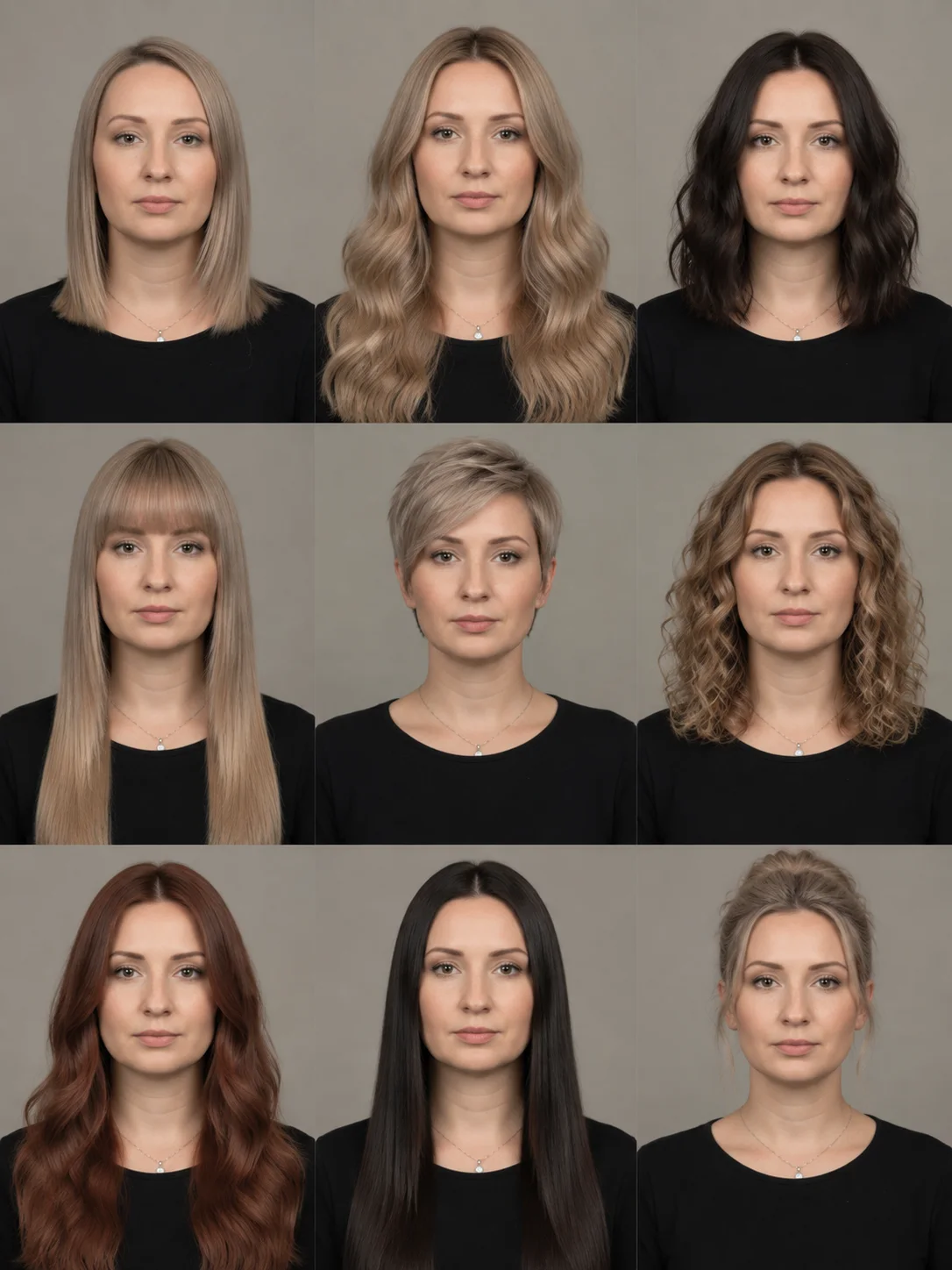
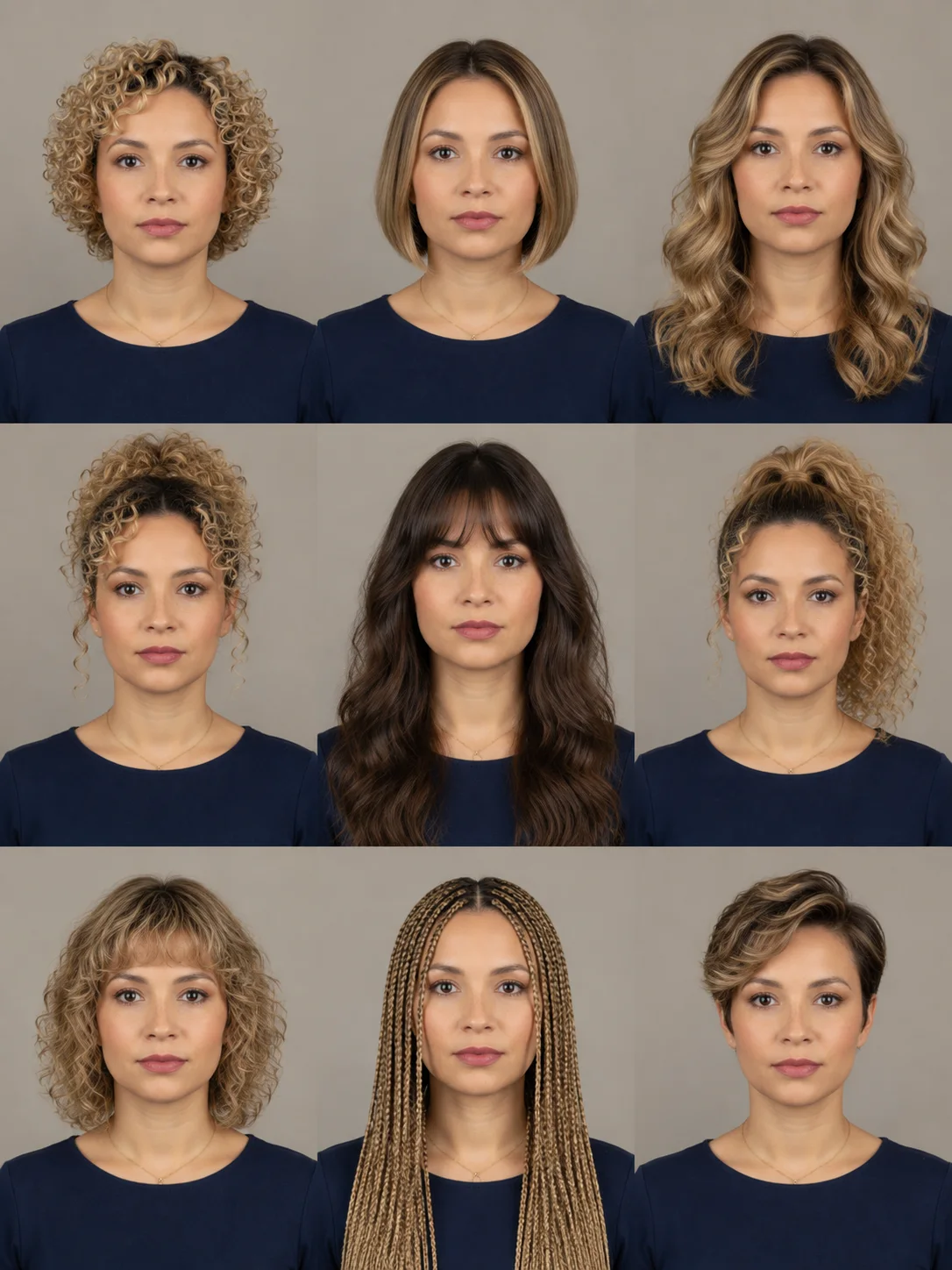
See how different hairstyles change the look of the same person. The sample grids bring nine looks together for easy comparison. When you use Explore, you receive nine individual images of yourself, which you can open and download separately.
Look at the shape around the face, the parting and where the hair adds volume. You might prefer the softer outline of one look or the more open forehead of another. Noticing these details helps you narrow down what you want before your next haircut.
What your personalized hairstyle report includes
Your report helps you understand the look you’re considering and explain what you want from your next haircut. Read a complete sample report to see the advice before deciding whether to add one to your chosen look.

Understand the details
Explore the length and shape, fringe and parting, texture and volume, color, and everyday upkeep. The report explains these parts of your hairstyle so you can identify what you like and what you might want to change.
See what changes
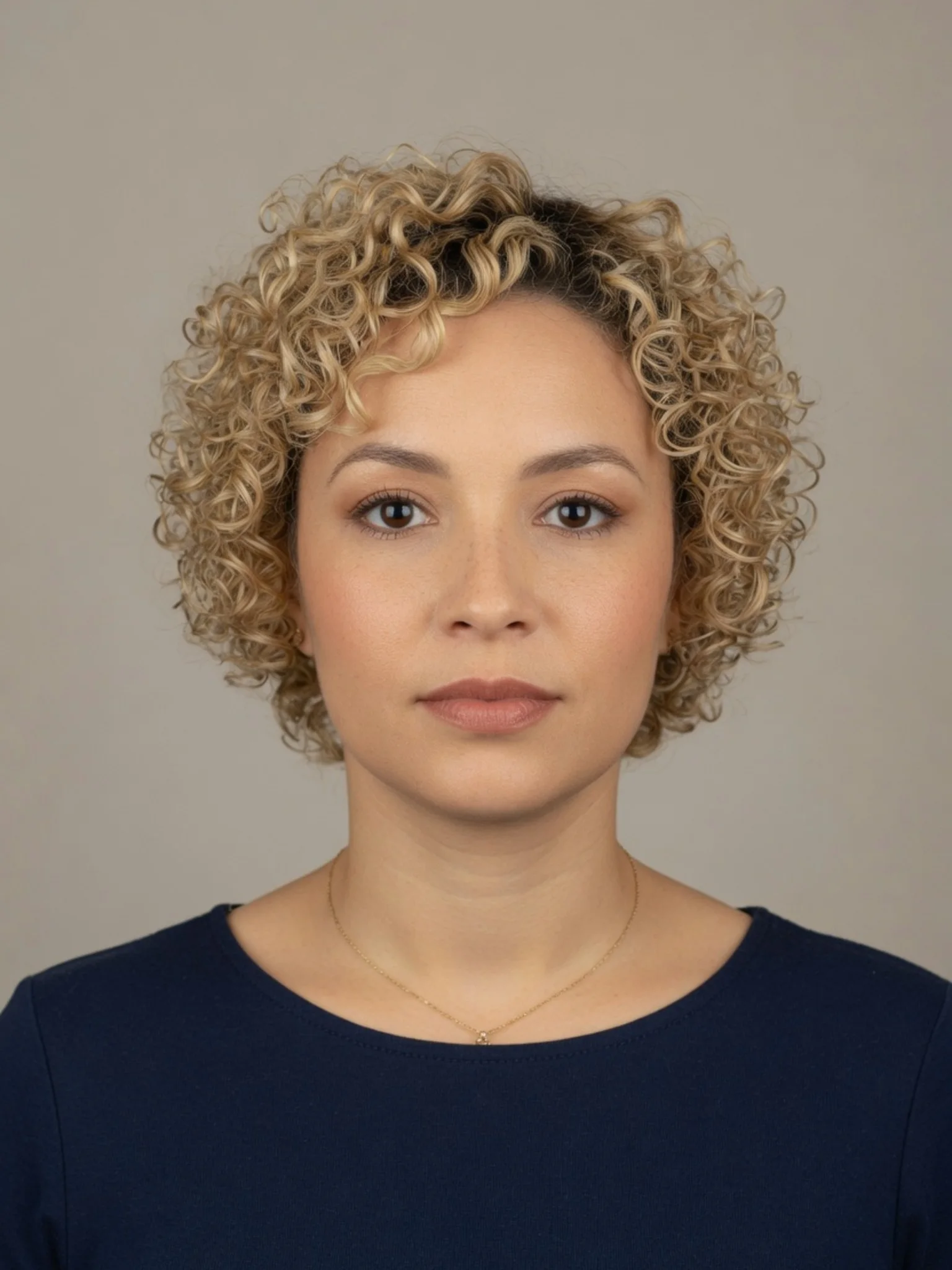
Compare your original photo with the preview. See how the hairstyle frames your face, opens or covers your forehead, and changes where your hair looks fuller. Use the comparison to put your preferences into words.
Check how it fits your preferences
For a custom look, see how the result matches the preferences you selected. If the appearance you want may take more styling than you prefer, the report helps you recognize that and decide what matters most to you.
Get practical styling advice
Read suggestions for styling and upkeep, including what to try and what to avoid. Use these notes to think through how the look could fit your routine and what you want to ask your stylist.
Bring a clear brief to your stylist
Save or print your preview and report for your appointment. Show the details you want to keep or adjust, then discuss how to achieve them with your current hair and the time you want to spend styling it.
How to use the hairstyle simulator
01
Start with your current look
Pick a clear photo that shows your face and current hairstyle. Good lighting and an unobstructed view help you see the differences when you compare new styles with your original.
02
Decide what you want to try
Explore several possibilities or set your preferences for a custom hairstyle. Think about the length, color and daily styling effort you want, then check your choices and credit cost before generating.
03
Compare and save your favorites
Open your finished looks beside the original and download the images you like. If your look includes a report, read the advice and save it as a JPG. Return to My Reports whenever you want to revisit your options or show them to your stylist.
Choose how you want to explore your next hairstyle
For 8 credits, compare nine hairstyles before choosing a favorite. If you want advice on one of them, add its detailed report for 10 more credits—18 credits in total for the nine looks and one report. The report uses your selected image without generating another hairstyle.
If you already know the direction you want to try, Customize costs 10 credits for one preview and its report together. Your preferences guide the look, and the report helps you think through the cut and everyday styling.
With Plus at $5.99 a month for 300 credits, using the full monthly allowance works out to about $0.16 for a nine-look comparison or $0.20 for a custom hairstyle with its report. These amounts illustrate the cost within that subscription; they aren’t individual purchases. Compare subscriptions and credit packs.
You can start comparing with the 8 credits included when you sign up. Use them within 30 days for your first nine-look set. To choose Customize or add a report, you’ll need more credits.
Your photo and privacy
Choosing a photo does not upload it immediately. It stays on your device until you submit it for generation, when our AI provider processes it to create your hairstyle preview. Your photos and reports are stored privately with restricted access. See our Privacy Policy for details.
Hairstyle simulator FAQs
Will my real hairstyle look exactly like the preview?
The preview gives you a visual starting point. Your hair’s texture, thickness and current condition affect how a cut or color will look in real life. Show your favorite result to your stylist and discuss what can be achieved with your hair and usual styling routine.
Can this help me find a hairstyle that suits my face?
Yes. Seeing different hairstyles on your own photo lets you compare how length, fringe, parting and volume frame your face. A detailed report adds explanations to help you understand those differences. Use both to narrow your choices around the look you like and the upkeep you’re comfortable with.
Can I try long hair before deciding to grow it out?
Select Long in Customize to explore how a longer hairstyle might look on you. The preview can help you decide whether that direction appeals to you before you commit to growing your hair. Your stylist can advise on the steps and styling options along the way.