
 LookPlan
Makeup · and styling
AI Makeup Generator
Upload one photo and see yourself in any of our 13 makeup and styling looks. Your full report pairs the AI-generated image with an analysis of your own features and practical steps to recreate the look.
or drag & drop
JPG or PNG · up to 10 MB · one clear face
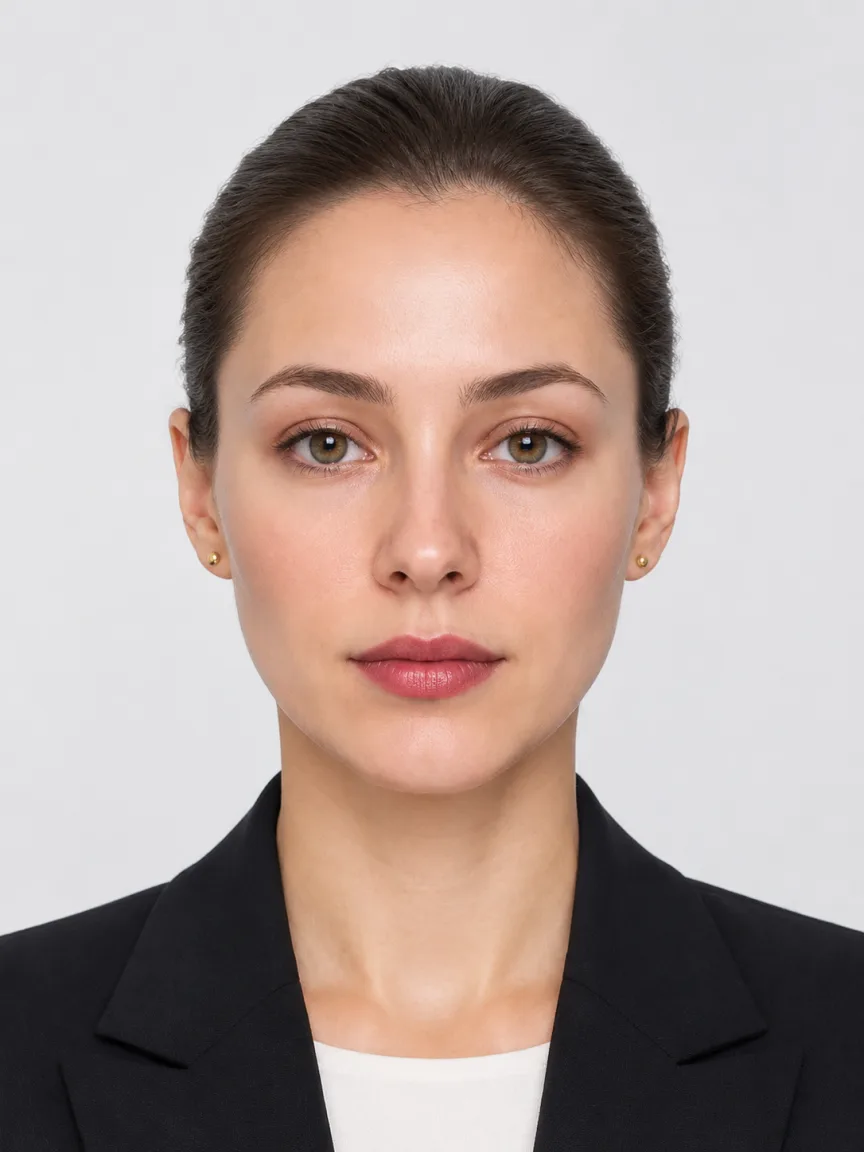 Corporate Executive
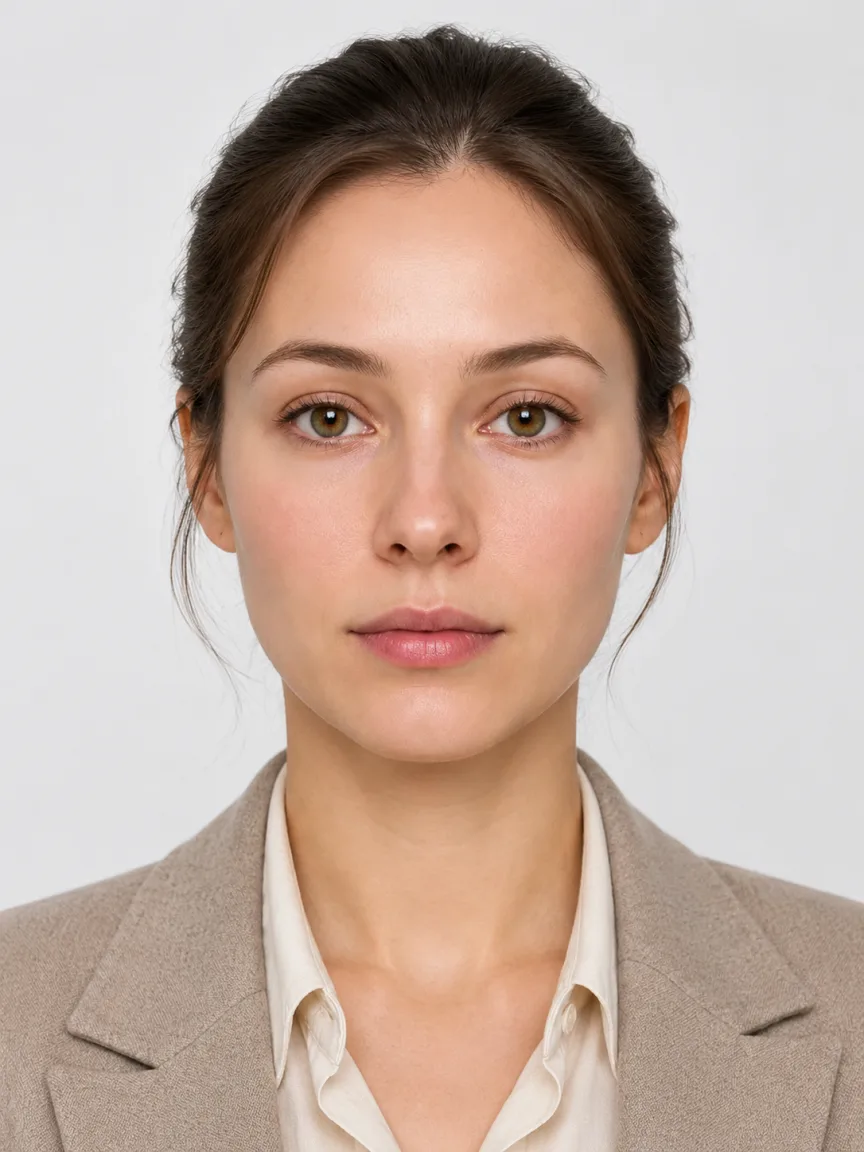 Business Casual Polish
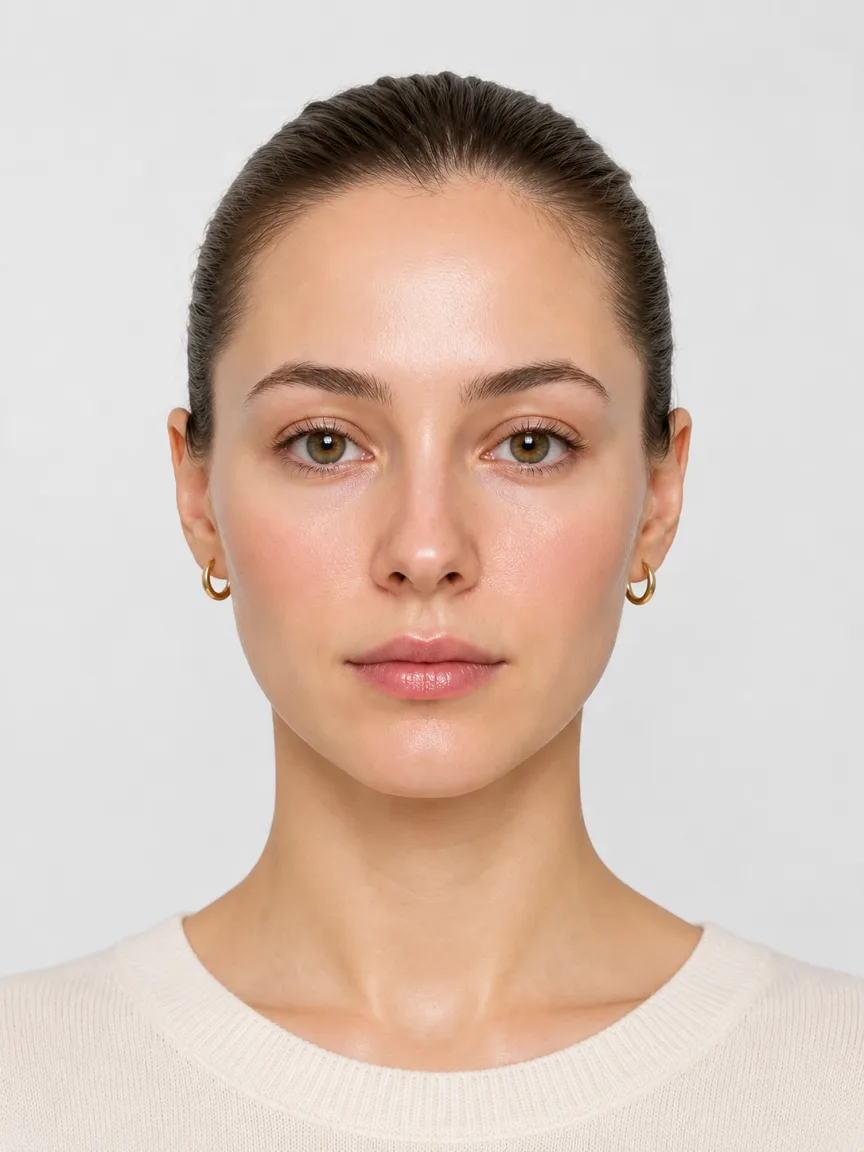 Clean Girl Professional
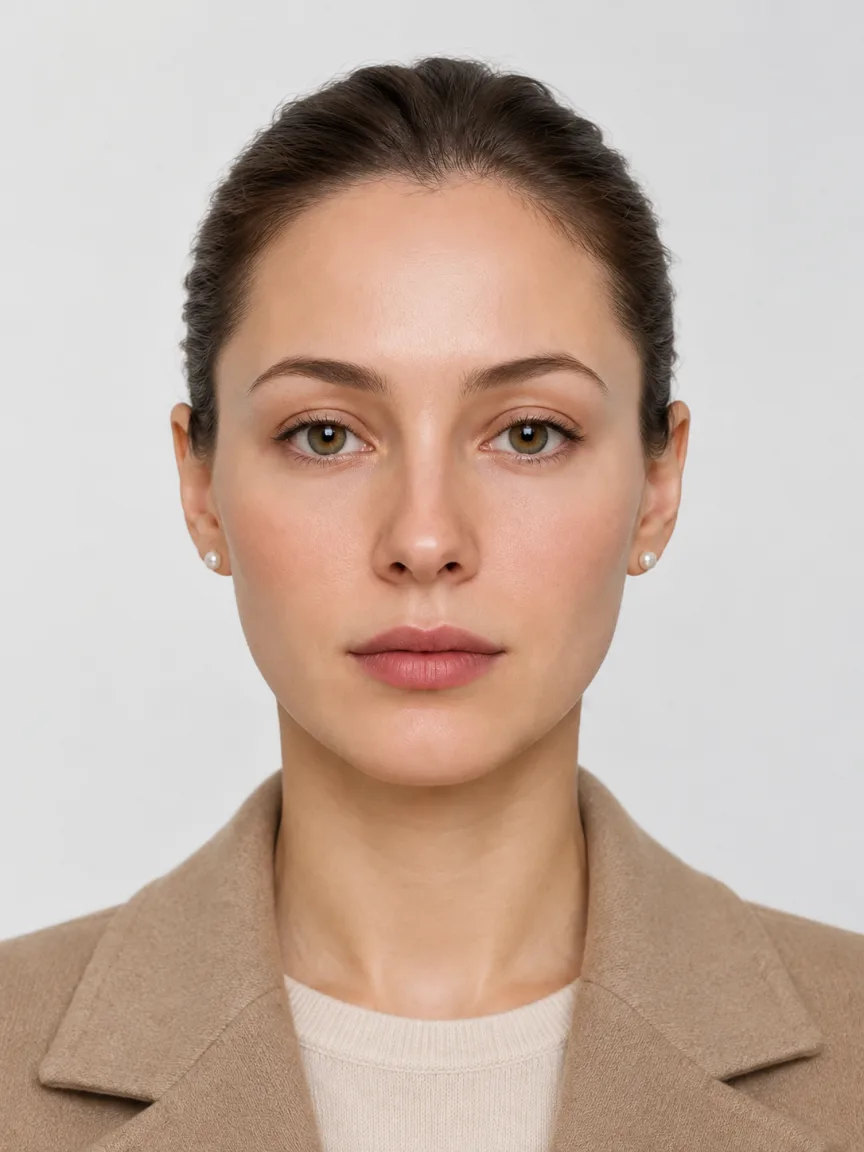 Quiet Luxury
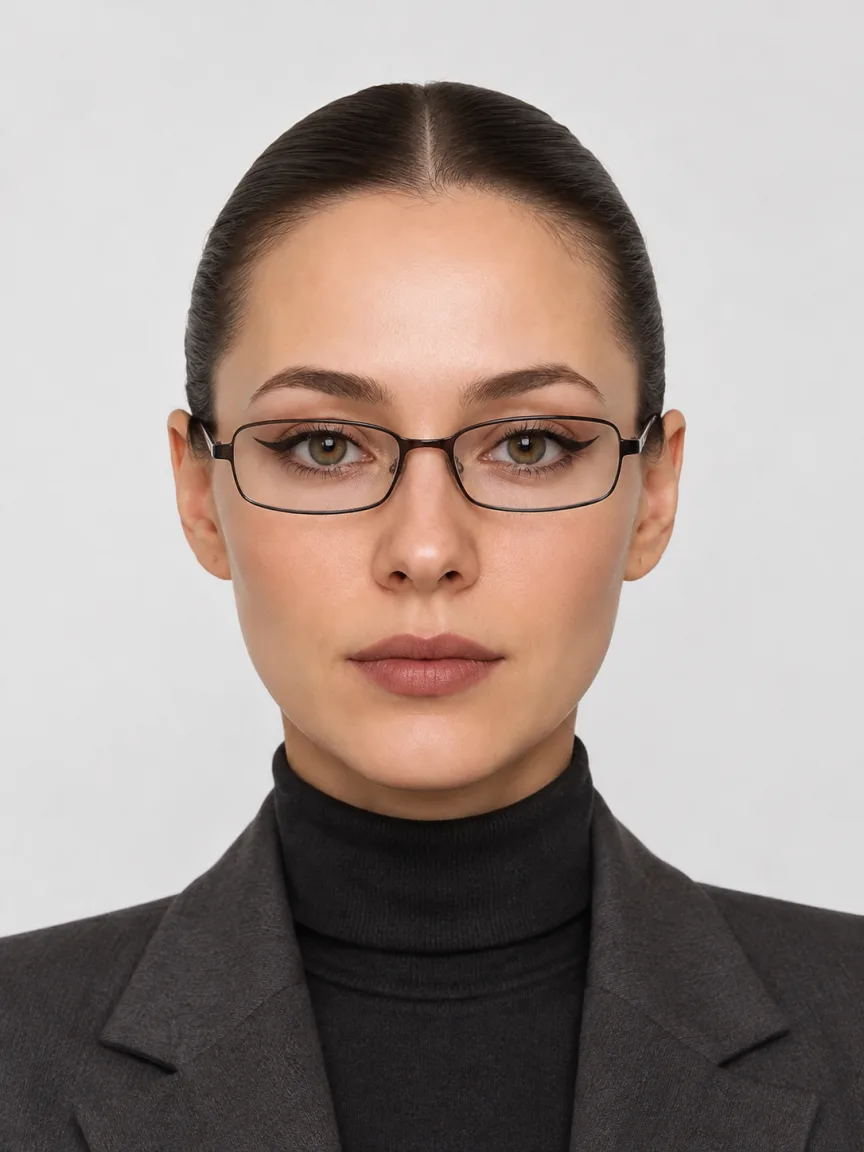 Office Siren
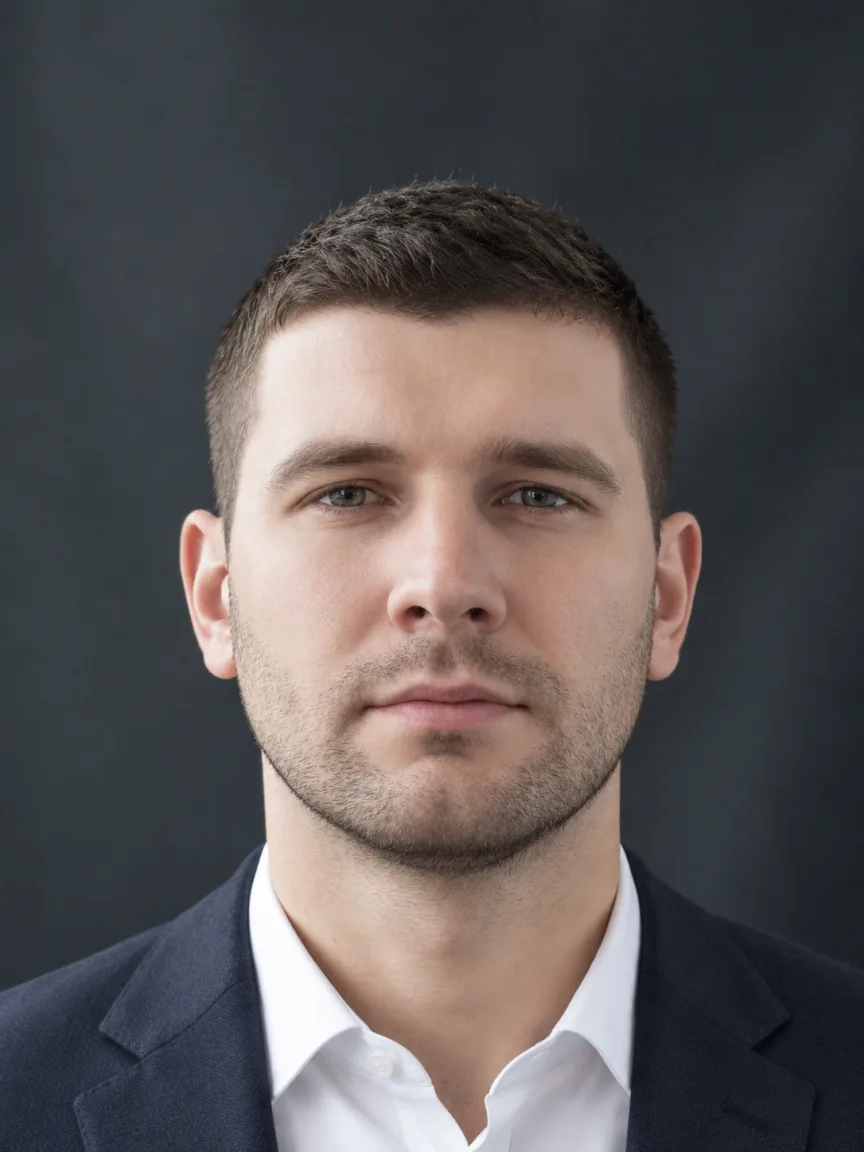 Men's Groomed
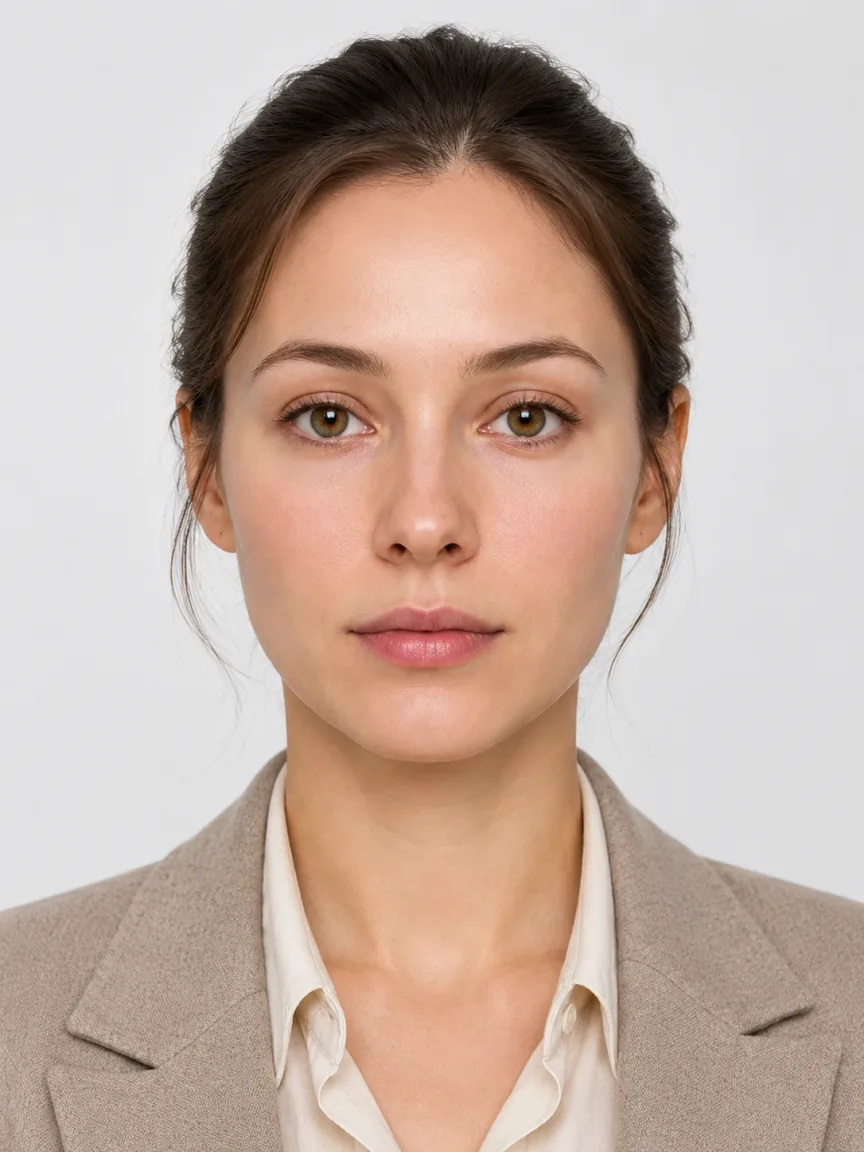 RandomSurprise Me · Work
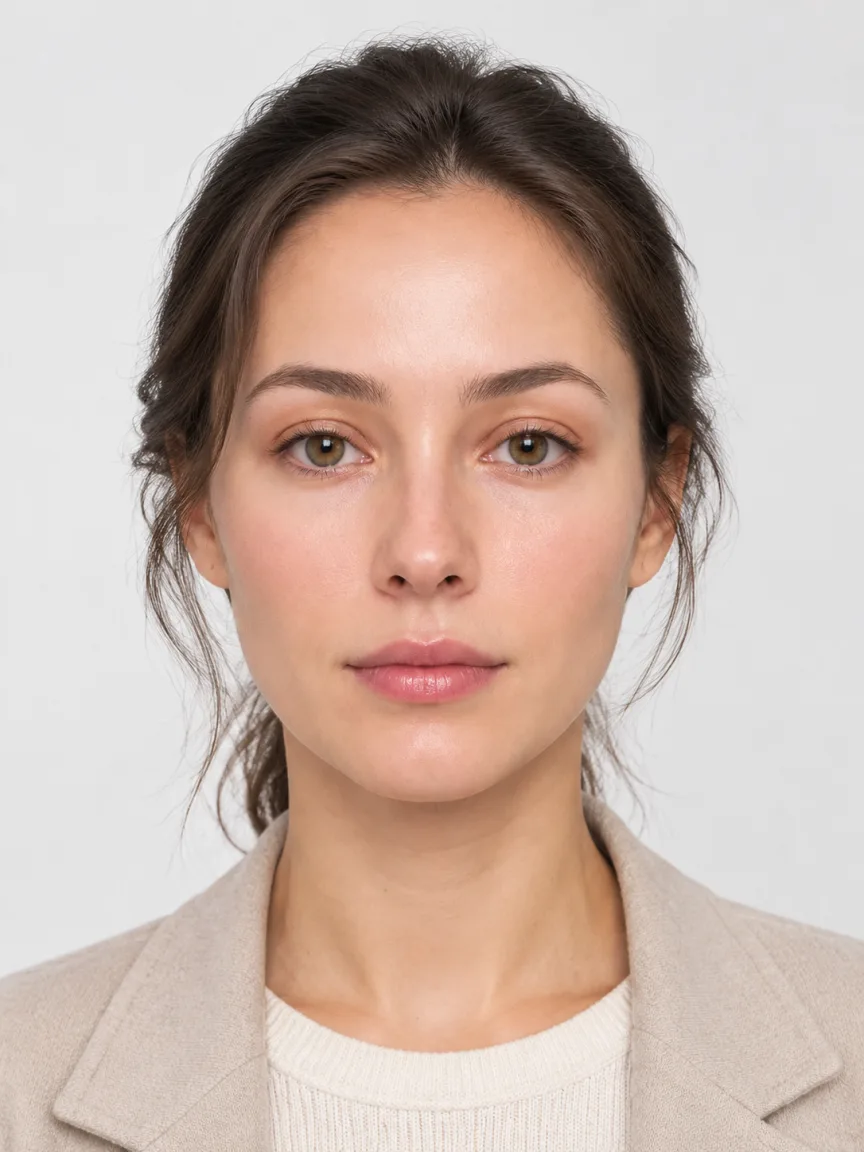 Date-Ready Natural
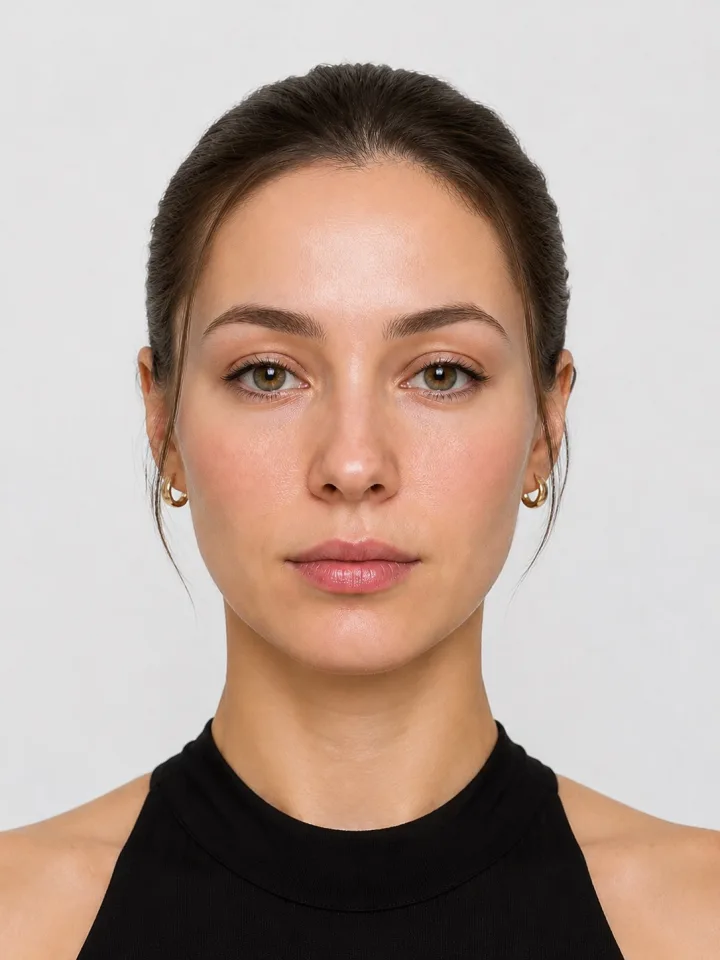 Soft Glam Night Out
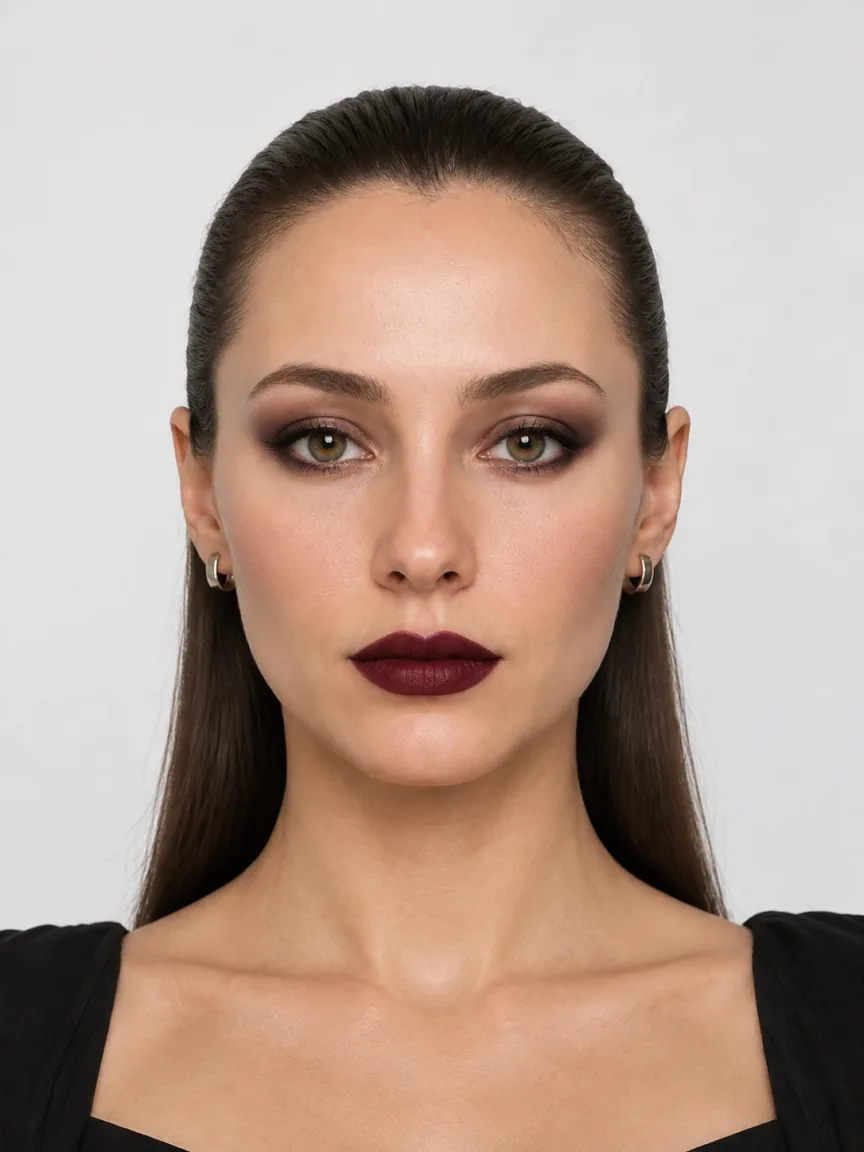 Dark Siren
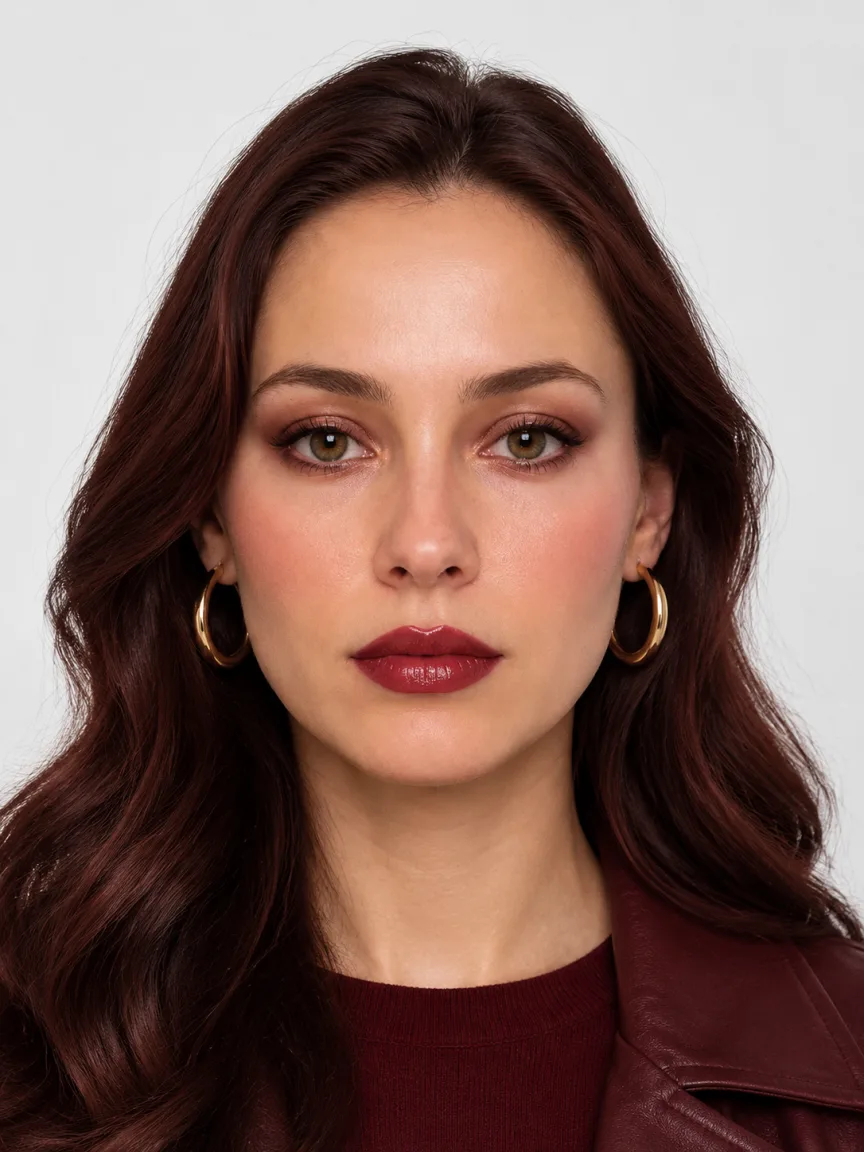 Dark Cherry
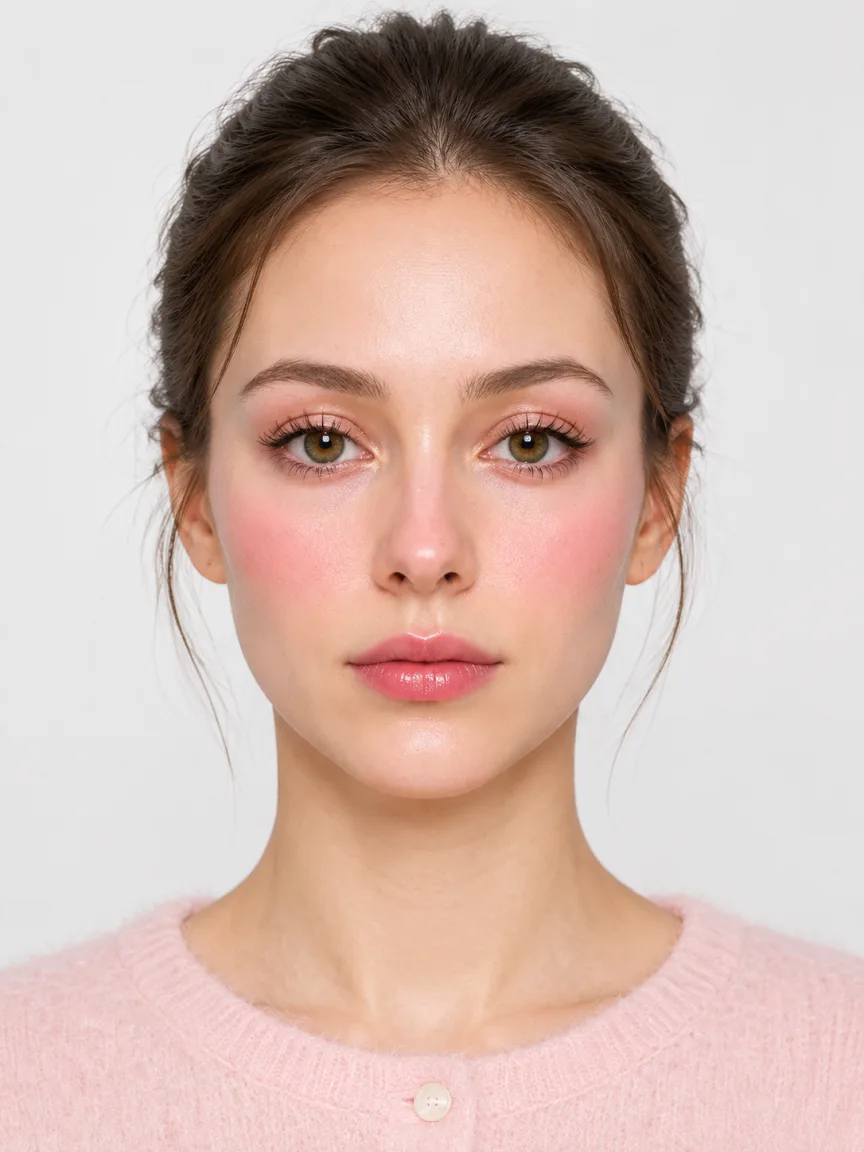 Douyin Glow
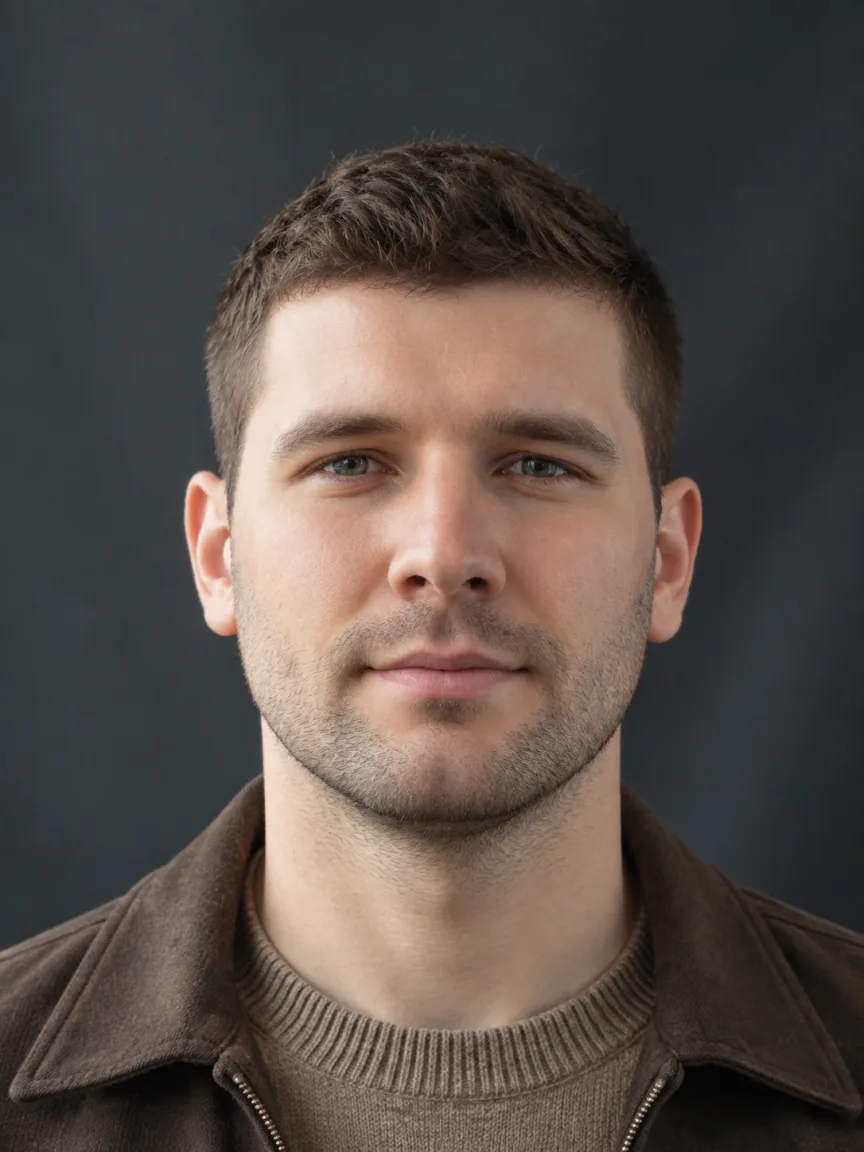 Men's Dating Refresh
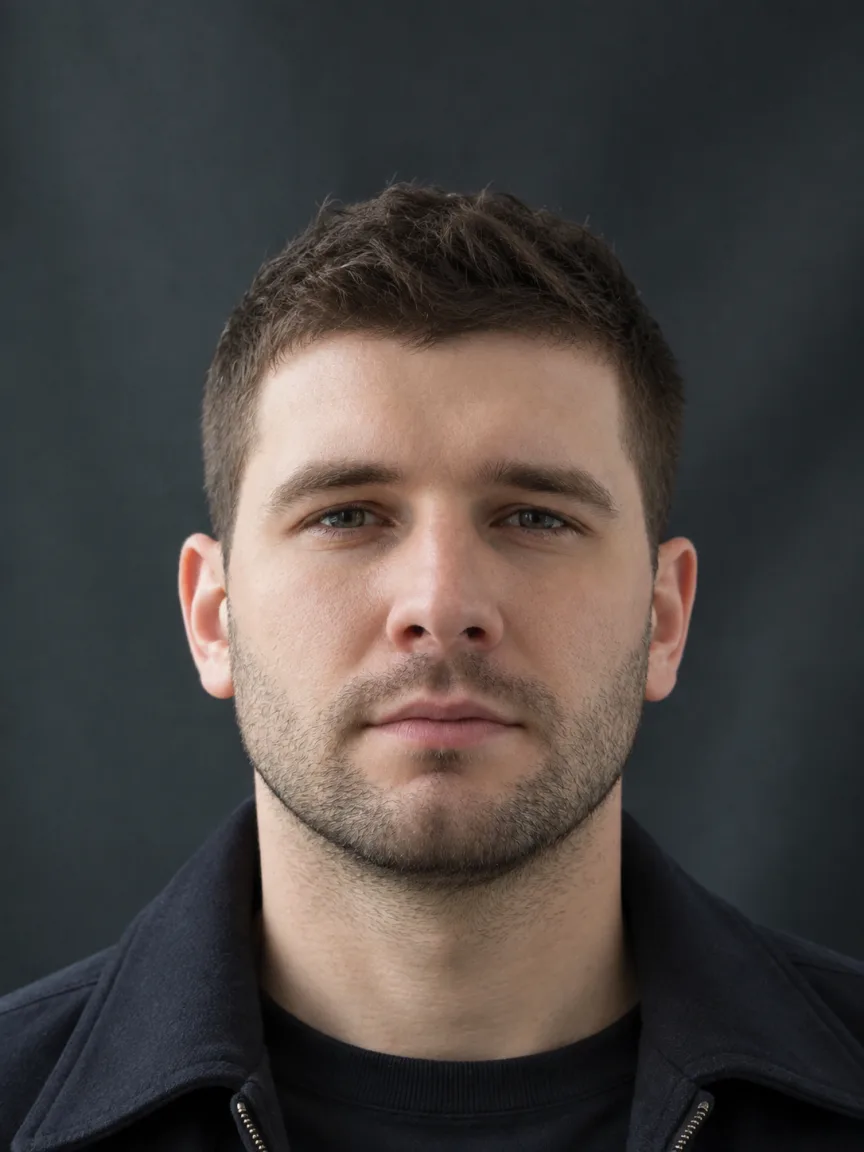 Men's After Hours
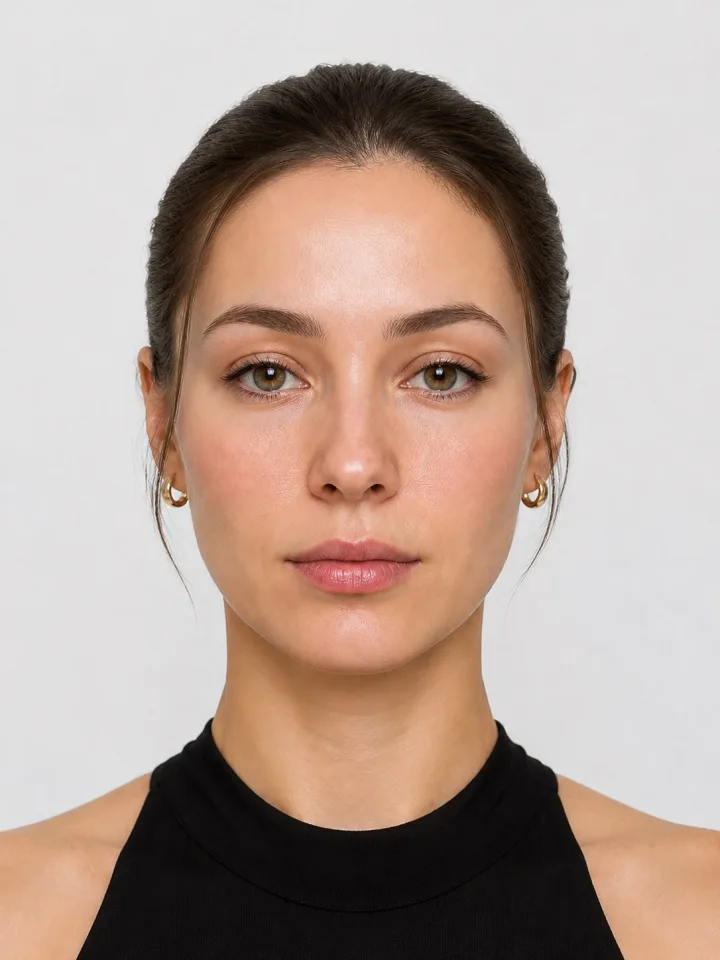 RandomSurprise Me · Social
The image preview uses Corporate Executive. Your selected style applies to the full report.
View full examples →Upload→Crop 3:4→See your look
The preview is a makeup-and-styling preview — it may adjust hairstyle and accessories to show the full look.
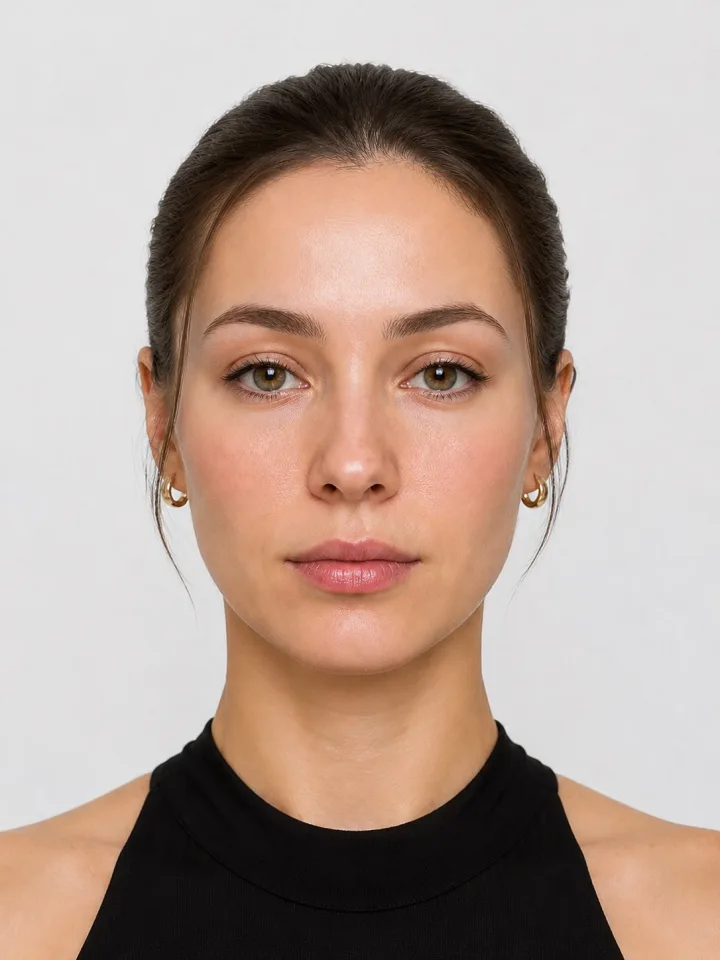
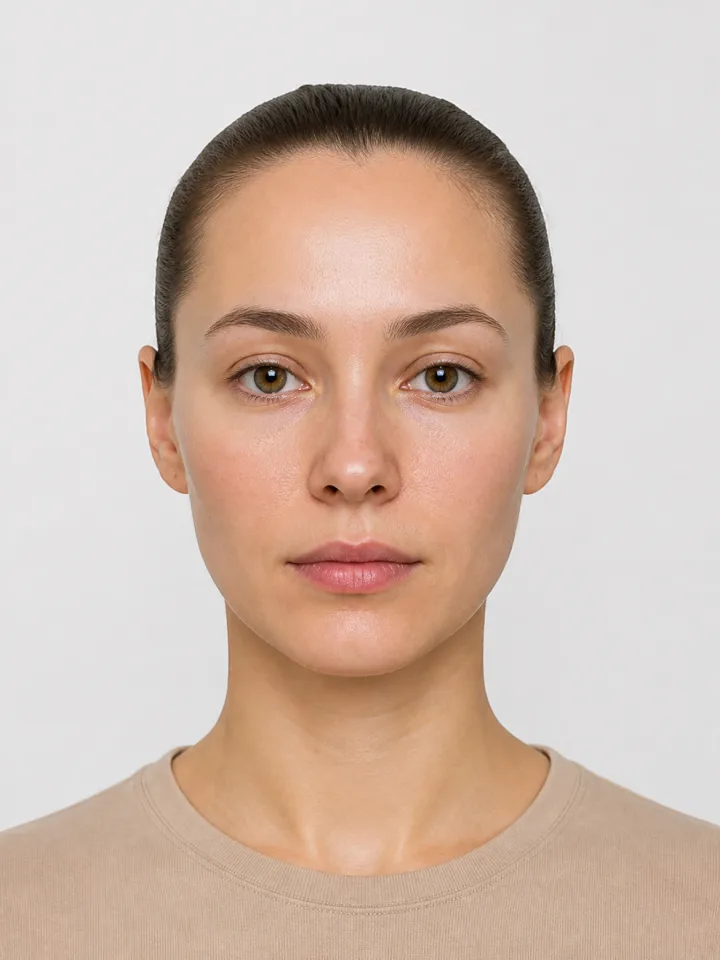
Sample report — your result is personalized.
Real results
Explore Makeup Styles on Your Own Face
These are real reports from our sample photos. Open any card to see the before-and-after, the list of what changed, and the makeup steps from that person's report. Each card is a different person in a different look — workplace polish, evening glam, and men's grooming.
Every Look You Can Generate
Your full report lets you pick any look below. Think of it as a makeup simulator for your own face: instead of imagining how a style would land, you see it on your own photo before you commit to buying products or booking anything. Where a look already has a full sample report, it's linked underneath — read one end to end before you decide. The trial preview always generates Corporate Executive.
For work and daytime
Corporate Executive
Boardroom authority through restraint. A satin-matte complexion, softly defined neutral eyes, groomed brows, and a composed muted-rose or soft-red lip, with a dark structured blazer and neat, intentional hair. This is also the look every trial preview generates.
See Nori's Corporate Executive reportBusiness Casual Polish
The best-dressed person at a creative office. A fresh, even complexion with a natural satin finish, softly brightened eyes, tidy brows, and a hydrated neutral-rose lip, with relaxed professional layers in a calm neutral palette. Approachable and current, never stiff.
See Maya's Business Casual Polish reportClean Girl Professional
Makeup that reads as skincare. Luminous, even skin, eyes kept nearly bare with brushed-up brows, a cream blush placed high on the cheeks, and a clear or neutral-pink gloss. Minimal white, cream, and beige styling, with small gold hoops at most.
Quiet Luxury
Old-money composure. An even satin complexion, barely-there neutral eye definition, immaculately groomed brows, and a muted rosewood or soft nude lip that is not glossy, with understated camel, ivory, or navy fabrics and a single small piece of jewelry.
Office Siren
Nineties retro-corporate. Winged liner that visually lifts the outer corners without changing your eye shape, matte soft-focus skin, and a nude-brown lip, with sleek deliberate hair and tailored charcoal, grey, or black. Slim rectangular frames welcome.
See Eve's Office Siren reportMen's Groomed
Grooming, not makeup. Skin tone evened and signs of tiredness taken down while natural skin texture stays, brows tidied into clean lines, beard or stubble shaped into crisp edges, hair given controlled volume, and smart work attire. No beauty-filter smoothing.
See Leo's Men's Groomed reportSurprise Me · Work
Let the model choose. It commits to one complete, workplace-appropriate direction — anywhere from boardroom-formal to creative-studio casual — and changes several styling dimensions together rather than doing a skin-only retouch.
For evenings, dates, and social occasions
Date-Ready Natural
Yourself on a very good day. Dewy skin that still reads as real skin, brushed-up natural brows, at most a whisper of warm latte-toned shadow, and a tinted balm or sheer gloss, with loose, effortless hair. Polish so natural it is invisible — but still clearly visible side by side.
Apply a quick swipe of sheer pink lip gloss and a touch of warm peach blush.See Quinn's Date-Ready Natural report
Soft Glam Night Out
Dinner-and-drinks glam. A flawless complexion with a soft luminous finish, earthy neutral shadow with gentle depth at the outer corners, wispy defined lashes, and a rosewood or warm-pink satin lip, with soft waves and an elegant evening top. Glamorous without tipping into heavy.
Fill in and shape the brows with a soft brow powder.See Tess's Soft Glam Night Out report
Dark Siren
Evening drama that stays wearable. A deep plum or dark red lip as the focal point, a cool-toned smoky eye blended into soft depth, velvet-matte skin, and minimal blush, with sleek or glossy waves and black evening wear. Alluring without becoming costume.
See Aria's Dark Siren reportDark Cherry
Warm and bold. A deep cherry or burgundy lip, glossy or satin and more red than plum, with a warm brown or wine smoky eye, a soft flush, and a saturated deep-red or burgundy palette. Visible gold jewelry with some weight, and hair a little fuller than a sleek office style.
Douyin Glow
Cute and camera-lit. Dewy skin with a fresh pink blush placed high and wide across the cheeks and onto the tip of the nose — obvious, not a whisper — plus soft shimmer lids, longer lashes, and a juicy pink or coral gloss, in a pastel or blush-pink palette.
Men's Dating Refresh
First-date warmth. Skin tone evened and tiredness reduced with no filter smoothing and nothing that reads as applied product, brows tidied, beard or stubble shaped into deliberate edges, hair given natural texture and easy volume, and a considered but effortless outfit in warm, approachable tones.
Men's After Hours
A night out, not the office. Brows kept strong and tidy, beard or stubble shaped heavier and more deliberate than office grooming, hair with real shape and matte texture, and black, charcoal, or deep navy. No suit, no tie, no soft beige knit.
Surprise Me · Social
Let the model choose a complete direction for a dinner, a party, a date, or a night out, anywhere from soft and natural to bold and glamorous. Hair framing, accessories, clothing, and makeup or grooming all move together.
The men's looks above are built as grooming rather than painted makeup — evened skin tone, tidy brows, a shaped beard, and hair with deliberate shape. If you'd rather not choose, the Surprise Me options are designed to choose visible makeup or subtle grooming based on the face in your photo.
You pick your look when you upload, and you can change it later — a new style generates a new report.
How it works
How It Works
Three steps, one photo. Your photo is cropped and prepared on your device before anything is uploaded.
01
Upload a photo and pick your look
Use one clear, front-facing photo with even lighting and your hair away from your face. JPG or PNG, up to 10 MB, one face. You'll crop it to a 3:4 portrait on your own device, then pick the look you want for your full report. Glasses, heavy bangs, a strong expression, or a sharp head tilt can hide the structure the analysis reads — if your result feels off, retake and try again.
02
See the look on your own face
Your full report includes an AI-generated image of yourself in the look you chose, next to your original photo. The generator styles the whole picture — makeup, hair, and what you're wearing — so the change reads clearly side by side.
03
Read why it works, then recreate it
Your full report names every change by area, explains your own features across five dimensions, and turns each one into what to do and what to avoid. View it online or save it as a JPG.
What Actually Changes in Your Before and After
Every full report comes with an Applied list that names each change by area, so you are never left guessing what moved.
Here is that list from Quinn's Date-Ready Natural report, unedited:
- Hair styling — Swapped the flat, pin-straight finish for soft, natural volume and subtle texture.
- Eyebrows — Lightly defined the brows with a warmer, fuller shape to frame the eyes.
- Under-eye area — Brightened the under-eye area to reduce mild shadows and refresh the gaze.
- Cheeks — Added a soft touch of peach blush to bring warmth and definition to the midface.
- Lips — Enhanced the lips with a glossy, natural pink tint for better definition and shine.
- Wardrobe — Replaced the flat grey t-shirt with a textured cream knit and a layered beige jacket.
Two of those six are not makeup at all. That is deliberate: hair framing and what sits next to your face change how the same features read, so the generator styles them too.
Styling the same person
The generator is designed to preserve your identity and facial proportions while changing makeup or grooming, hair, and clothing. It is instructed not to slim your face or reshape your jawline or chin, and to retain your age, expression, pose, camera angle, and background. AI can still alter details, so compare the result with your original photo. It is not a surgery simulation or a beauty score.
Inside your full report
Inside Your Full Report
A full report is five parts. The image is only the first one.
Your AI makeup image
Your original photo next to an AI-generated image of you in the look you chose.
What changed
The Applied list, naming each change by area: brows, eyes, cheeks, lips, plus the hair and wardrobe details that complete the look.
What already works
What was already strong in your original photo, and what the new version adds. We start from what is working, not from what is wrong.
Five-dimension analysis
Your structure and proportion, features and balance, skin and contrast, hair and framing, and overall styling, each with where it stands now and what could change.
Do and avoid, per dimension
Every dimension turns into concrete moves to make and specific things to skip, plus a short list of first steps to try.
The trial preview is images only: before and after in Corporate Executive, with no written analysis, no annotations, no first steps, no brand names or shade codes, and no score.
What Makeup Suits Me?
An image on its own doesn't answer this. It shows you one outcome without telling you why that outcome works on your face, which means you can't adapt it when you're standing in front of your own mirror with your own products.
So your full report reads your photo across five dimensions, and each one turns into things to do and things to skip. These are the actual dimension names in a full report:
Structure & proportion
How your face height, width, taper, and forehead-to-jaw relationship sit together, and what that means for where volume helps.
From Quinn's report: An elongated facial structure with balanced forehead-to-jaw proportions, currently framed by flat hair that emphasizes vertical lines.
The possibility it names: introducing soft volume at the sides to add visual width and soften the outline.
Features & balance
How your eyes, brows, and lips relate to each other and how much they contrast against your midface.
From Maya's report: Expressive eyes and balanced lip volume, but the eyes and brows have low contrast against the midface.
Skin & contrast
Your undertone, where shine sits, under-eye shadow, and how much contrast your complexion can carry.
From Maya's report: Clear complexion with a dewy finish, but notable shine on the forehead and bridge of the nose.
Hair & framing
How your hair borders your face, and whether that border is working for or against your features.
From Quinn's report: Sleek, straight copper hair with a center part that clings closely to the head, creating a rigid frame.
Overall styling
Necklines, colour, and texture sitting next to your face.
From Quinn's report: A plain, dark grey crew-neck t-shirt that offers zero texture and contrasts sharply with the skin tone.
From analysis to actual moves
Each dimension comes with both halves. Quinn's features-and-balance dimension, for example, resolves into:
- Must do — Use a tinted brow gel to lightly groom and define the brow shape. Apply a sheer, glossy pink or berry lip tint to define the lips naturally.
- Avoid — Leaving the brows entirely undefined against fair skin. Heavy, ultra-matte lipsticks that can flatten the lips.
That is the part you can act on without buying anything specific. The report describes finishes, tones, and placement rather than brand names or shade codes, so it stays usable with whatever you already own.
This is a generated reading of one photo, not a professional consultation, and it does not rate how attractive you are.
An AI Makeup Try-On, Not a Live Filter
This is an AI makeup try-on that works on a photo you upload, not a live camera effect. There is no real-time AR view, no camera overlay, and no brand or shade matching — we don't put a specific lipstick on your lips and we don't claim a product code will look like the image.
You get a still image of the look on your own face. A full report adds the written reasoning behind it; the trial preview is images only. Treat the image as a direction rather than a promise: how close you land in real life depends on your own products, your lighting, and your technique. That gap is exactly what the report's steps are for — they describe the finish and placement to aim at, so you can get there with what you already own.
Photo handling & credits
Your photo, handled carefully
How your photo is handled, and what you receive with a preview or full report.
Your photo
- Your photo is cropped and prepared on your device before it is uploaded.
- It is used to create your result and saved as the before image in your private report.
- Your photo and your result are not published to a public gallery.
- You can view your report online or save it as a JPG for reference while you try the look.
Preview or full report
- Image preview · 4 credits
Before-and-after images in Corporate Executive. Images only. - Full report · 10 credits
Any look you choose, the AI makeup image, the five-dimension analysis, and practical steps. - Eligible new accounts start with 8 credits. That covers an image preview with credits to spare; a full report costs 10, so you'll top up first. See Pricing for packs and plans.
FAQ
Common questions
What is the difference between a preview and a full report?
A trial preview gives you before-and-after images in the Corporate Executive style. A full report lets you choose an available style and includes your AI-generated image, an explanation of the changes, and makeup steps to help you recreate the look. Both use credits.
Is my photo private?
Your photo is prepared on your device before upload. It is used to generate your result and saved as the before image in your private report. Your photo and result are not published to a public gallery.
Can I choose natural or soft glam makeup?
Yes. Full reports offer styles including Date-Ready Natural and Soft Glam Night Out. Browse the examples, then select a style for your own report. The trial preview uses Corporate Executive.
What makeup suits me?
Your full report answers this in two ways. It shows the look on your own face, and it explains your features across five dimensions — structure and proportion, features and balance, skin and contrast, hair and framing, and overall styling — turning each into what to do and what to avoid. That reasoning is what lets you adapt the look instead of copying it. The analysis describes finishes, tones, and placement rather than brand names or shade codes.
Where can I find and save my report?
Open My Reports in your account to view your result. You can view your full report online and save it as a JPG for reference when trying the look.
Can I create date night makeup or a professional makeup look?
Yes. With a full report, choose Date-Ready Natural for date night makeup, or explore Corporate Executive and Business Casual Polish for a professional makeup look. Your report pairs your AI-generated image with practical makeup steps for that look.
Does this work for men?
Yes. Men's Groomed, Men's Dating Refresh, and Men's After Hours are built for men, and they work through grooming rather than painted makeup: evening out skin tone, reducing tiredness, tidying brows, shaping a beard or stubble, and giving hair deliberate shape. The Surprise Me options are also designed to choose visible makeup or subtle grooming based on the face in your photo. You can read Leo's Men's Groomed report as a full example.
Will it change my face or make me look like someone else?
It is designed to style the same person, not create a different face. The generator is instructed to preserve your identity and facial proportions, without slimming your face or reshaping your jawline or chin. AI can still alter details, so compare the result with your original photo. The intended changes are makeup or grooming, hair, and clothing. It is not a surgery simulation, and it does not give you a beauty score.
How many looks can I choose from?
13 named looks, plus "Surprise Me" options that let the model pick a complete direction for work or for a social occasion. Several already have a full sample report you can read before you decide — those are linked from the list above. The image preview always uses Corporate Executive; your chosen look applies to the full report, and changing it generates a new report.
Want to compare hairstyles too? Try our AI Hairstyle Simulator.